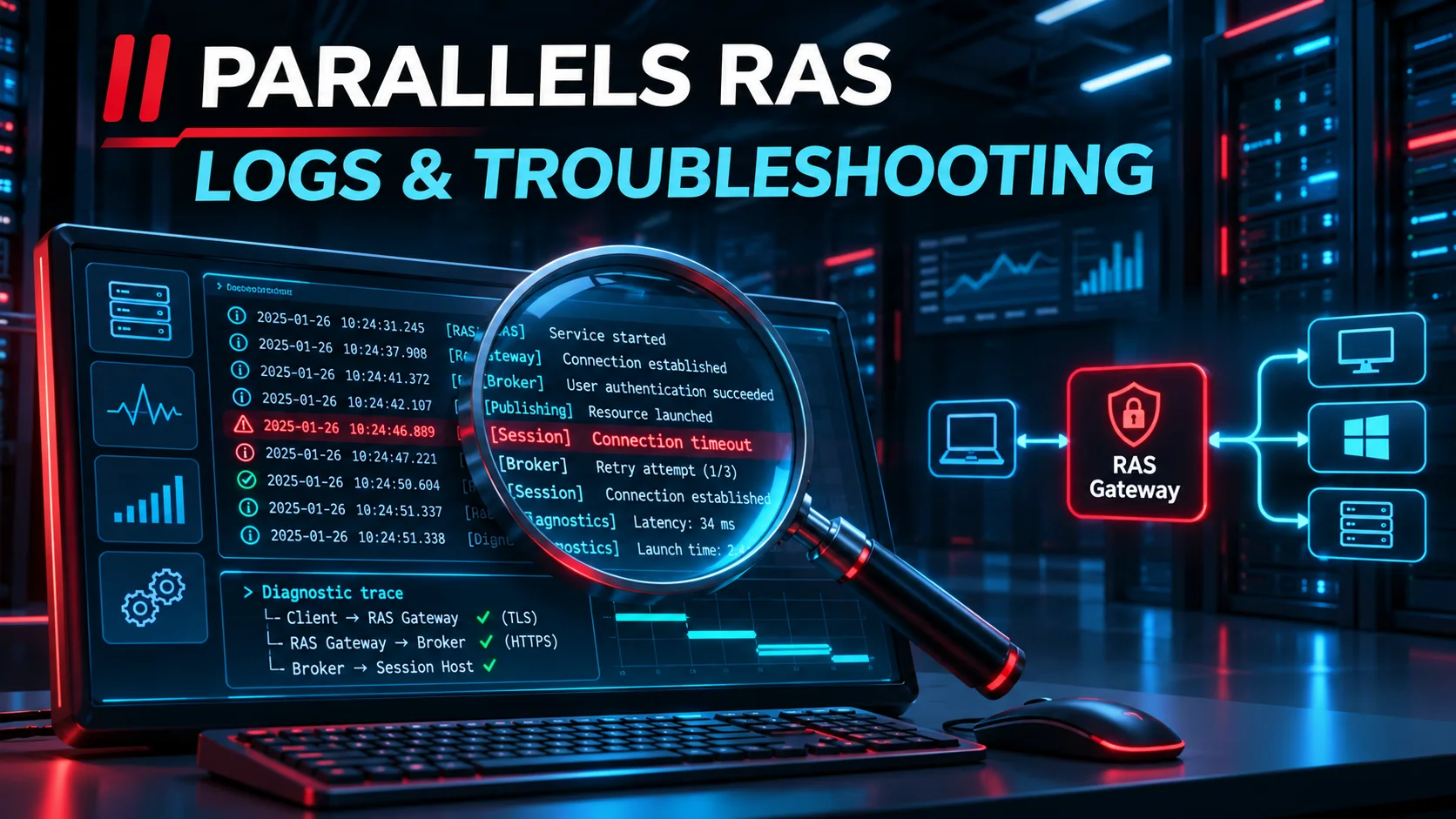
Analyzing Parallels RAS logs is the number one skill for any administrator looking to maintain a high-performance VDI infrastructure. When your users encounter slowness or connection errors, these log files become your best allies. Knowing where to look and which file to open can dramatically reduce your mean time to resolution (MTTR). In this article, we’ll detail each component’s role, OS-specific locations for client logs, and how to master logging levels.
The Universal Location of Parallels RAS Logs (Server Side)
Before diving into individual roles, it’s essential to know the default path on your servers. For virtually all Windows components (Broker, Gateway, Agent), log files are located here:
C:\ProgramData\Parallels\RASLogsNote: Access to this folder requires local administrator rights. Some sub-components such as Reporting or Monitoring have their own subdirectories.
Log Locations by Client Type
Troubleshooting often starts at the endpoint. Here’s where to retrieve log files depending on the device used by the end user:
- Windows:
%AppData%\2XClient\ClientLog.txt - macOS:
~/Library/Containers/com.2X.Client.Mac/Data/ParallelsClient.log - Linux:
~/.config/2X/Client/ClientLog.log - IGEL OS:
/userhome/.config/2X/Client/ClientLog.log - Android:
/storage/emulated/0/Android/data/com.parallels.client/files/logs/ - Web Client (HTML5): Logs are server-side on the Gateway:
%ProgramData%\Parallels\RASLogs\HTML5GW.log
Decoding the Log Structure
Parallels RAS logs use a precise syntax to help you correlate events. Here’s how a typical log line breaks down:
[I00/00000123/T1EB8/P1988] 24-01-23 06:41:22 - Module version 19.1.1| Field | Meaning | Role |
|---|---|---|
| MODULE | Component ID | Unique identifier of the RAS component (e.g. I00) |
| ID | Log Entry ID | Sequential entry number |
| T (ThreadID) | Thread ID | Identifier of the thread that created the entry |
| P (ProcessID) | Process ID | PID of the associated Windows process |
| SESSIONID | Session ID | (Optional) Identifies the specific user session |
| CORRELATIONCODE | Correlation ID | Unique code to trace a sequence of actions across multiple log files |
The Broker: The Heart of the System
The Publishing Agent (Broker) is the brain of your environment. Its logs are the most critical for the overall health of the farm.
- controller.log — The master file. Records global activity, load balancing, and inter-agent communication. Your starting point.
- licensing.log — Manages activation and license quotas. If access is denied due to insufficient licenses, check here first.
- redundancy.log — Critical for HA environments to track synchronization between Brokers.
- powershell.log — Indispensable for debugging automation and deployment scripts.
Secure Gateway and Enrollment Server
Secure Gateway
- HTML5GW.log — Very large as it traces every WebSocket interaction on the web portal. Ideal for diagnosing disconnections in browser mode.
- gateway.log — Handles encapsulated RDP traffic for thick clients (Windows/Mac). Use it to validate SSL flow passing (port 443).
Enrollment Server (SSO)
- EnrollServer.log — Traces ephemeral certificate issuance. If SAML auth succeeds but the Windows session does not open, the error is here.
- UserLogs — A folder segmented by user to isolate incidents without polluting the overall analysis.
Mastering Verbose Mode (Log Levels)
By default, RAS records only the strict minimum. For complex bugs, switch to Verbose mode via Tools > Options > Logging in the RAS console.
- Standard level: Recommended in production to save disk space.
- Verbose level: Captures every technical detail.
Pro tip: You can enable logging for a set duration (e.g. 30 minutes). RAS will automatically disable Verbose mode after the timer expires, preventing storage saturation from a forgotten toggle.
Expert Tip: The Systray Tool
On servers running a RAS agent, a Parallels icon is present in the system tray. Right-clicking it lets you instantly open the logs folder or restart services without going through the console.
Correlation Table for Fast Troubleshooting
| Issue Type | First Reflex (Client) | Second Reflex (Server) |
|---|---|---|
| Connection failure | Client log (Port 443) | gateway.log |
| SSO / SAML error | Client log (Auth Flow) | EnrollServer.log |
| App won’t launch | Client log (Exit Code) | controller.log |
| Unstable web session | Browser F12 console | HTML5GW.log |
The RAS Insider app is available for free on the App Store: https://apps.apple.com/us/app/rasinsider/id6761124880