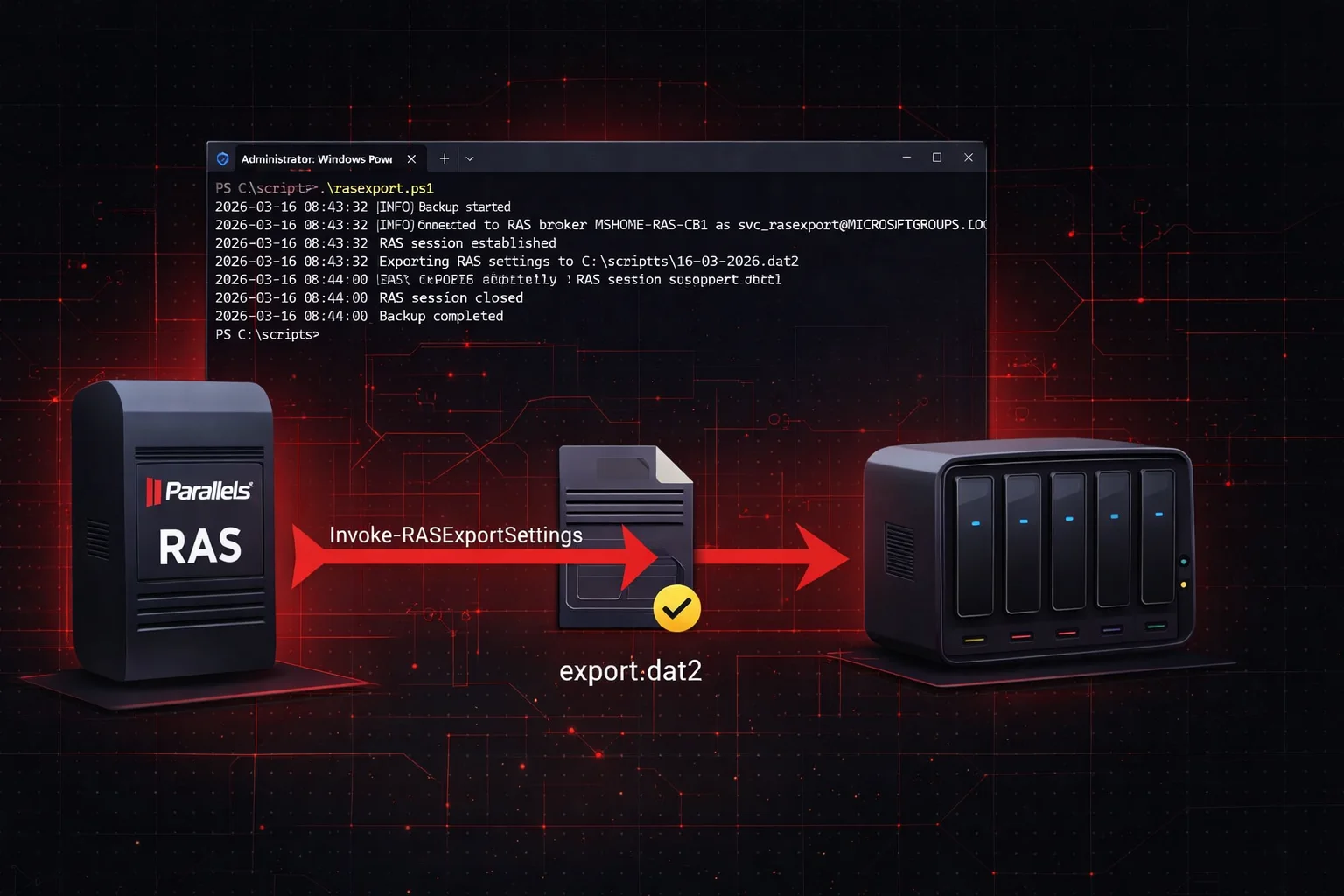
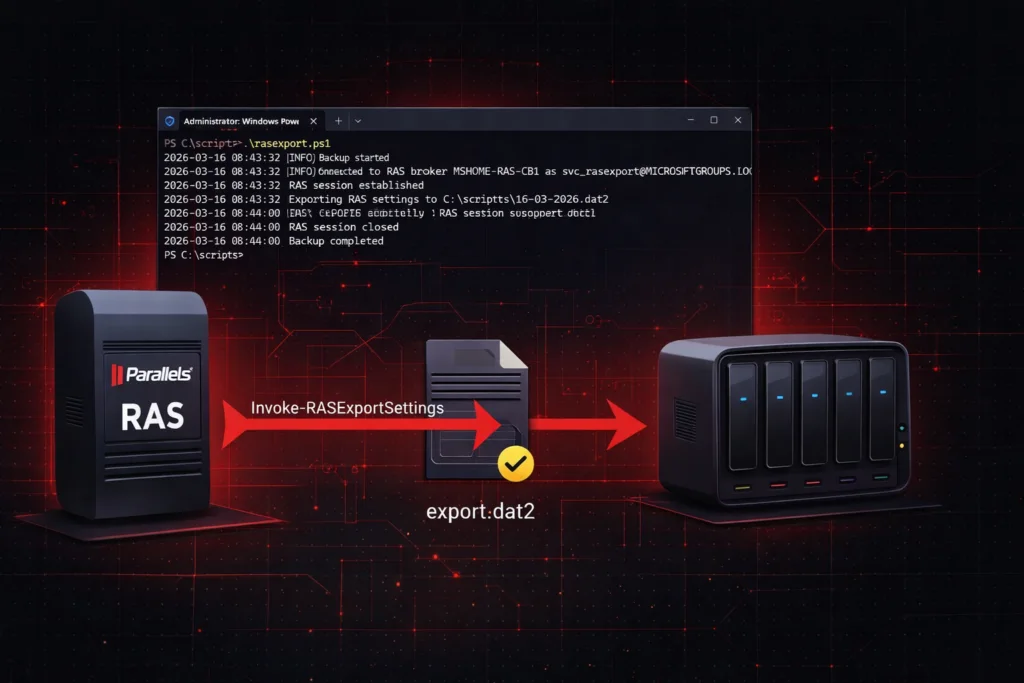
Parallels RAS stores its entire configuration in a centralized database hosted on the Connection Broker: publishing rules, farm topology, session policies, interface customization and more. Losing this configuration — following a broker failure, a botched update, or a full server rebuild — means reconfiguring everything manually, which can take several hours on a complex deployment.
The Invoke-RASExportSettings cmdlet, included in the Parallels RAS PowerShell SDK, allows you to export the full configuration to a .dat2 file that can be restored at any time using Invoke-RASImportSettings. The script presented in this article automates this export on a daily basis and handles file retention.
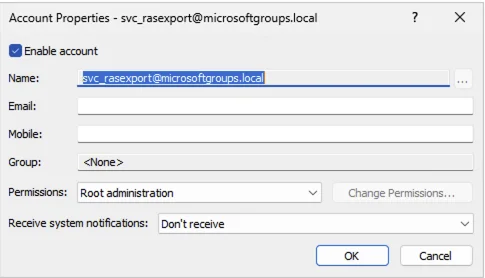
Authentication relies on a dedicated domain account svc_rasexport, whose password is encrypted locally in a credentials file using the PowerShell SecureString API. Backups are stored on a dedicated network share \\MSHOME-VEEAM\RASBACKUP$, hosted on the Veeam backup server. This account must be granted the RAS Administrator role on the RAS farm — Power Administrator is not sufficient. In this example, the script runs directly from one of the brokers.
$ScriptRoot = Split-Path -Parent $MyInvocation.MyCommand.Path
$LogFile = "$ScriptRoot\RASBackup_$(Get-Date -Format 'yyyy-MM').log"
$BackupShare = "\\MSHOME-VEEAM\\RASBACKUP$\\$(Get-Date -Format 'dd-MM-yyyy').dat2"
$BrokerFQDN = $env:COMPUTERNAME
$ServiceAccount = "svc_rasexport@$($env:USERDNSDOMAIN)"
$CredentialStore = "$ScriptRoot\svc_rasexport.cred"
$EncryptionKey = (1..32)
$RetentionDays = 30

function Write-Log {
param([string]$Message, [string]$Level = "INFO")
$Entry = "$(Get-Date -Format 'yyyy-MM-dd HH:mm:ss') [$Level] $Message"
Add-Content -Path $LogFile -Value $Entry
switch ($Level) {
"ERROR" { Write-Host $Entry -ForegroundColor Red }
"WARN" { Write-Host $Entry -ForegroundColor Yellow }
default { Write-Host $Entry }
}
}

function Get-RASCredential {
if (-not (Test-Path $CredentialStore)) {
Write-Log "Credential store not found: $CredentialStore" "ERROR"
Write-Log "Run once to initialize: Read-Host -AsSecureString | ConvertFrom-SecureString -Key (1..32) | Set-Content '$CredentialStore'" "WARN"
exit 1
}
try {
$SecurePassword = Get-Content $CredentialStore | ConvertTo-SecureString -Key $EncryptionKey
return New-Object System.Management.Automation.PSCredential($ServiceAccount, $SecurePassword)
}
catch {
Write-Log "Failed to decrypt credential: $_" "ERROR"
exit 1
}
}

function Connect-RASBroker {
$Credential = Get-RASCredential
try {
Write-Log "Connecting to RAS broker $BrokerFQDN as $ServiceAccount"
New-RASSession -Server $BrokerFQDN -Username $Credential.UserName -Password $Credential.Password
Write-Log "RAS session established"
return $true
}
catch {
Write-Log "Failed to connect to RAS broker: $_" "ERROR"
return $false
}
}

function Invoke-RASBackup {
$BackupDir = Split-Path -Parent $BackupShare
if (-not (Test-Path $BackupDir)) {
New-Item -ItemType Directory -Path $BackupDir -Force | Out-Null
}
try {
Write-Log "Exporting RAS settings to $BackupShare"
Invoke-RASExportSettings $BackupShare
Write-Log "Export completed successfully"
}
catch {
Write-Log "Export failed: $_" "ERROR"
exit 1
}
finally {
Remove-RASSession -ErrorAction SilentlyContinue
Write-Log "RAS session closed"
}
}

function Invoke-BackupRetention {
$BackupDir = Split-Path -Parent $BackupShare
Get-ChildItem -Path $BackupDir -Filter "*.dat2" |
Where-Object { $_.LastWriteTime -lt (Get-Date).AddDays(-$RetentionDays) } |
ForEach-Object {
Remove-Item $_.FullName -Force
Write-Log "Removed expired backup: $($_.Name)" "WARN"
}
}

Write-Log "Backup started"

if (Connect-RASBroker) {
Invoke-RASBackup
Invoke-BackupRetention
Write-Log "Backup completed"
} else {
Write-Log "Backup failed" "ERROR"
exit 1
}
To initialize the credentials file, run the following script once interactively on the broker, using the account that will run the scheduled task:
$CredentialStore = "$PSScriptRoot\svc_rasexport.cred"
$EncryptionKey = (1..32)

Read-Host -AsSecureString -Prompt "Password for svc_rasexport" |
ConvertFrom-SecureString -Key $EncryptionKey |
Set-Content $CredentialStore

Write-Host "Credential store created: $CredentialStore"
At this time, it is not possible to use a gMSA account to run this script. The New-RASSession cmdlet requires an explicit -Password parameter of type SecureString, which is incompatible with the password management mechanism of gMSA accounts. A standard service account with an encrypted password file remains the only viable option.